

Ever handed out a promotional item and wondered if it ended up in the nearest bin? There's a better way. Imagine turning every customer, employee, and event attendee into a walking billboard for your brand. When you print a logo on a bag, you’re not just giving away a useful item; you’re launching a low-cost, high-impact marketing campaign that travels wherever your audience goes. This guide will walk you through everything you need to know to create branded bags that people will love to carry, boosting your visibility with every use.
Why Branded Bags Are Your Secret Marketing Weapon
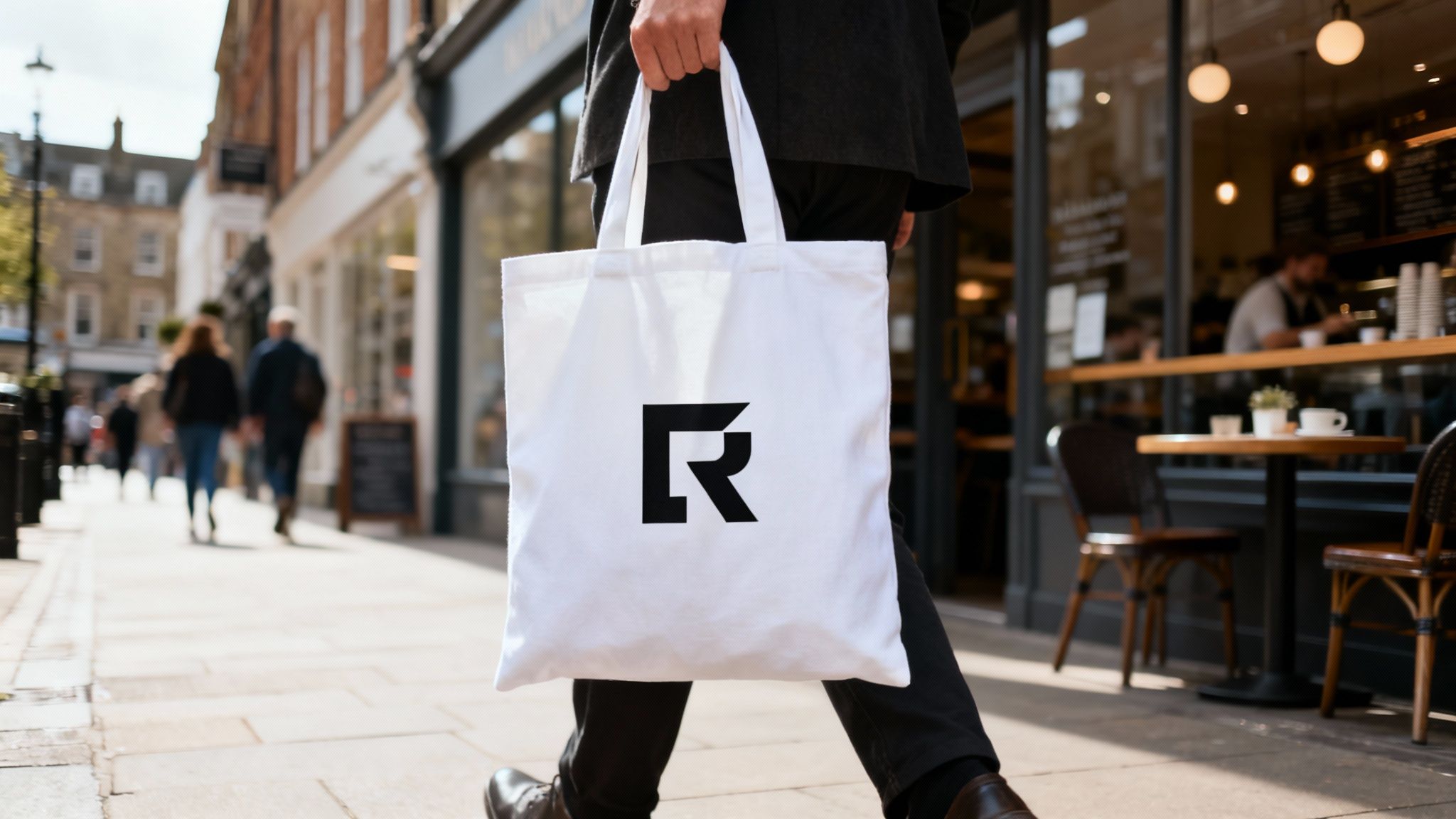
Think of a branded bag less as a giveaway and more as a mobile billboard. Every time a customer carries your logo-printed tote to the shops or a student takes your branded drawstring bag to the gym, your brand gets seen. This simple act turns your audience into active brand ambassadors. This isn't just a thoughtful gesture; it's a savvy marketing investment. A well-designed bag fits seamlessly into someone's daily life, creating impressions long after a conference or purchase is over.
The Power of Practical Promotion
In a world saturated with digital ads, useful promotional items like bags offer a tangible connection and a physical reminder of your brand. The numbers back this up. The promotional products industry is set to reach $37 billion by 2033, and that growth is fuelled by real results. Research shows that 79% of people are more likely to do business with a company after receiving a promotional item.
A branded bag is one of the few marketing tools that customers will genuinely thank you for. It provides real-world utility while working around the clock to promote your business—a clear win-win for brand visibility and customer loyalty.
Turning Customers into Brand Advocates
The real magic happens when your bag becomes someone's go-to choice. Whether it's for the weekly food shop, a trip to the local market, or carrying books to a lecture, each use reinforces your brand's presence in the community. This consistent, low-cost visibility is a cornerstone of building strong brand recognition. If you want to dive deeper, take a look at our guide on how to increase brand awareness. Ultimately, putting your logo on a bag is a practical and highly effective way to stretch your marketing reach far beyond the usual channels.
Step 1: Choosing a Bag That Embodies Your Brand
The bag you choose is more than a simple giveaway; it's the canvas for your brand's story. Getting this right is about finding the sweet spot where your brand identity, your audience's lifestyle, and genuine usefulness all meet. A thoughtful choice here turns a one-off promotional item into a walking billboard that works for you for months, or even years.
Matching Bag Style to Brand Identity
The style of the bag sends an instant signal. A high-end retail brand might opt for a heavy-gauge black canvas shopper to feel premium, while a university promoting an open day would get more mileage from a lightweight, colourful non-woven tote that's practical and energetic.
Think about what your brand stands for. Are you all about sustainability? Professionalism? An active lifestyle?
- Cotton & Canvas Totes: A natural fit for eco-conscious brands, bookshops, and local farm shops. We have a huge selection of custom tote bags.
- Drawstring Bags: Perfect for gyms, sports clubs, and school events where function and casual style are key.
- Laptop Bags & Briefcases: The ideal choice for B2B or high-impact corporate gifts that scream professionalism and value.
Selecting Materials That Make an Impact
The fabric of the bag is just as critical as its shape. It dictates the perceived value, durability, and, crucially, how well you can print a logo on a bag. A rustic farm shop is perfectly matched with a textured jute bag, while a tech company might lean towards a sleek polyester bag to reflect a modern image.
- Cotton: Lightweight, budget-friendly, and brilliant for detailed, full-colour digital designs.
- Canvas: Cotton's tougher older sibling. It’s heavier, more durable, and has a premium feel.
- Jute: Known for its rustic, eco-friendly appeal, best for bold, simple logos.
- Non-Woven Polypropylene (NWPP): A budget-friendly, water-resistant option in a rainbow of bright colours.
- Polyester: A durable, sleek synthetic that’s great for drawstring bags and backpacks.
The right material does more than just hold a logo; it reinforces your brand's promise. A durable, well-made canvas bag suggests reliability, while a bag made from recycled materials shows a commitment to sustainability. Choose a material that speaks your brand’s language.
Aligning Your Choice with Your Audience
The best promotional bag is one your target audience will actually use. A deep understanding of their daily habits is essential. For more on this, check out this excellent guide on identifying your target audience. For example, a local council launching a "shop local" campaign could provide residents with sturdy canvas shopping bags—a practical choice that aligns with the message and guarantees visibility on the high street.
Step 2: Decoding the Best Printing Methods for Your Logo
You've picked the perfect bag. Now for the exciting part: getting your logo on it. Choosing the right printing method ensures your bag looks sharp, fits your budget, and lasts. Each technique has its own strengths, weaknesses, and ideal use cases.
Screen Printing: The Go-To for Bold, Bulk Orders
Screen printing is a classic technique that pushes ink through a custom stencil directly onto the fabric, creating a vibrant, solid, and durable print. The main cost is in the initial setup, so as your order quantity goes up, the price per bag comes down, making it the winner for events or any campaign where you need 50 or more bags.
- Best For: Bulk orders of 50+, simple logos with one to three solid colours.
- Ideal Materials: Cotton, canvas, and non-woven polypropylene.
- Keep in Mind: Not suitable for photos or designs with colour gradients.
Digital Printing: Precision for Full-Colour Masterpieces
For complex, multi-coloured, or photographic designs, digital printing is your answer. Think of it like an inkjet printer for fabric, recreating every detail with incredible precision. With minimal setup costs, it's a cost-effective choice for any order size—even just a single bag.
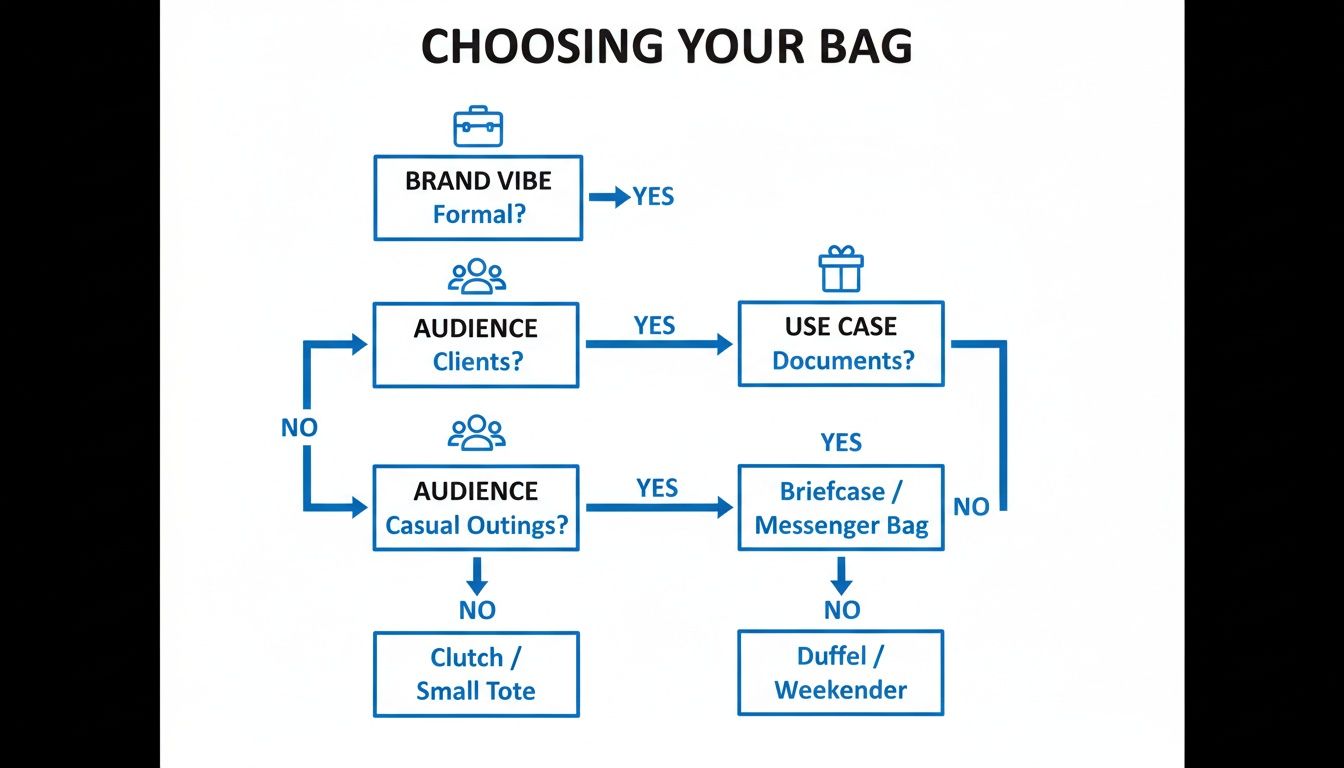
As the graphic shows, getting the bag choice right is the foundation for a brilliant print job. The rise of digital printing, with its market share expected to jump from 7.0% in 2024 to 11.3% by 2030, is driven by its ability to create detailed and personal designs on bags.
Our Take: Digital printing gives you total creative freedom. If your brand uses vibrant, detailed imagery, this method ensures your logo is reproduced with photorealistic quality.
Heat Transfer: Versatility Across Different Fabrics
Heat transfer prints your design onto special paper and then applies it to the bag using heat and pressure. It’s an incredibly versatile method that produces bright, full-colour results on a huge range of materials, including tricky synthetics like polyester, making it a solid choice for medium-sized orders.
Embroidery: The Premium, Textured Choice
For a truly high-end feel, you can't beat embroidery. This technique stitches your logo directly into the fabric, creating a textured, 3D design that feels quality and is incredibly durable. It shines on heavier fabrics like thick canvas or heavy-duty polyester and is unmatched for corporate gifts or premium merchandise. If you're considering this in-house, understanding investing in a top embroidery machine for a small business is key.
These same principles apply when branding other items, like deciding how to print a logo on a notebook.
Printing Method Comparison for Custom Bags
| Printing Method | Best For | Pros | Cons |
|---|---|---|---|
| Screen Printing | Simple, bold designs on large orders (50+). | Very cost-effective in bulk; durable and vibrant colours. | Not suitable for complex or photo designs; costly for small runs. |
| Digital Printing | Full-colour, detailed, or photographic logos. | No minimum order; excellent detail; quick setup. | Can be less vibrant on dark fabrics; may be pricier per item on large orders. |
| Heat Transfer | Full-colour designs on synthetic materials. | Versatile on many fabrics; good for small to medium orders. | Can feel like a plastic layer on the fabric; durability can vary. |
| Embroidery | A premium, textured finish on heavy fabrics. | High-end look and feel; extremely durable. | Most expensive option; not good for fine details or large logos. |
Step 3: Preparing Your Artwork for a Flawless Print
Your bags will only ever look as good as the artwork you provide. Getting your design files right from the start is the single most important thing you can do to ensure your bags look sharp and professional. Sending a low-quality file is a recipe for a disappointing result.
Vector vs Raster: The Crucial Difference
Professional printers will almost always ask for a vector file. It’s critical to understand why.
- Vector Files (AI, EPS, PDF, SVG): The gold standard for printing. Built using mathematical formulas, they can be scaled to any size without losing quality. Your logo will always be perfectly crisp.
- Raster Files (JPG, PNG, GIF): Made of pixels, these are fine for on-screen use but become blurry and jagged ("pixelated") when enlarged for printing.
Key Takeaway: Always provide your logo in a vector format. If you don’t have one, reach out to your original designer for the source files. This small step makes a massive difference when you print a logo on a bag.
Getting Your Colours and Fonts Spot-On
Locking down your colours and fonts ensures your brand identity remains consistent, especially when producing physical merchandise like gift bags with a logo.
Colour Modes: CMYK vs Pantone (PMS)
- CMYK (Cyan, Magenta, Yellow, Black): The standard for full-colour digital printing, perfect for photos or designs with many shades.
- Pantone Matching System (PMS): A universal system using pre-mixed inks to create precise shades. If your brand has a specific colour, providing the PMS code is the only way to guarantee an exact match.
Outlining Your Fonts
If your printer doesn't have the specific font used in your design, their system will swap it for a default one, throwing off your layout. The fix is simple: before sending, your designer must convert all text to outlines, which turns letters into fixed shapes and locks your typography in place.
Your Final Artwork Checklist
Before you hit 'send' to a supplier, run through this quick checklist:
- Correct File Type: Is your logo a vector file (AI, EPS, or vector PDF)?
- Colour Codes: Do you have the specific Pantone (PMS) codes for your brand?
- Outlined Fonts: Has all text been converted to outlines?
- Print Dimensions: How big should the logo be (e.g., 20cm wide)?
- Print Location: Where should the logo be placed (e.g., centred, 5cm from the top)?
Step 4: From Quote to Delivery: Navigating the Ordering Process
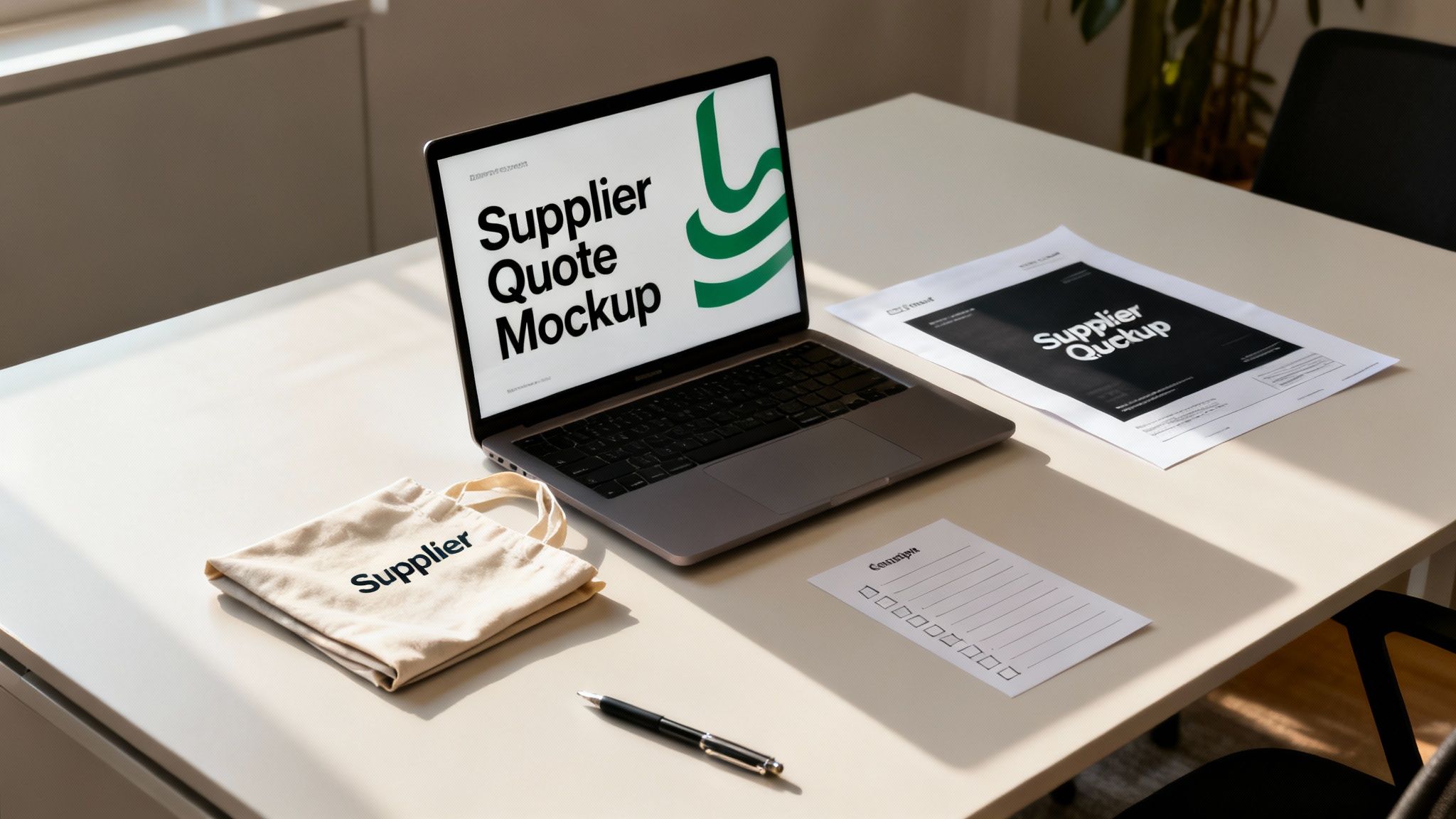
Ordering custom-printed bags should be exciting, not overwhelming. Let's walk through the entire journey, from quote to delivery, so you can place your order with total confidence.
Getting a Quote and Understanding MOQs
To get an accurate quote, be ready with the bag you want, the quantity, your artwork, and your deadline. Here, you'll encounter the Minimum Order Quantity (MOQ)—the smallest number of bags a supplier can produce in one run. This exists due to the fixed setup costs of any print job. The good news is that the growth in digital printing, expected to reach USD 33.8 billion by 2035, allows suppliers like Persopens to offer lower MOQs than ever before.
The Digital Proof: Your Most Important Checkpoint
After accepting a quote, you’ll receive a digital proof. This is your final blueprint and your last chance to spot any mistakes before the entire batch is printed. Check every detail with a fine-tooth comb.
- Spelling and Typos: Read every word carefully.
- Placement and Scale: Is the logo positioned and sized correctly?
- Colour Check: Do the colours match your brand’s Pantone (PMS) codes?
- Overall Layout: Is everything aligned and balanced?
Approving your digital proof is the final sign-off. Once you say "yes," production begins. Changes after this point are often impossible or will incur significant extra costs.
Samples, Timelines, and Planning Ahead
For large or important orders, consider asking for a physical sample. It adds time and cost but provides complete peace of mind. Always confirm the total lead time (production + shipping) with your supplier and build in a buffer. If you need bags for an event in six weeks, you should be ordering and approving your proof at least seven or eight weeks beforehand. And if you're looking to make your budget stretch, check our tips for getting discounts on promotional products.
Common Questions About Printing Logos on Bags
Here are the answers to some of the most common questions we hear, helping you finalize the details and ensure the bags you order are exactly what you envisioned.
What’s the Cheapest Way to Get My Logo on a Bag?
It depends on your project.
- For bulk orders (250+ bags) with a simple one or two-colour logo, screen printing is almost always the most cost-effective.
- For small orders or full-colour, complex logos, digital printing is your friend, as it avoids screen setup fees.
How Big Can My Logo Be?
This depends on the bag and print method. A classic cotton tote usually allows a print area around 25cm x 25cm, perfect for a bold logo. Embroidery, however, looks best when smaller and more refined, typically under 15cm wide to keep the stitching crisp. Your supplier will provide a digital proof so you can approve the final size and placement.
A Tip from Experience: Resist the urge to go as big as possible. A logo that’s well-proportioned often looks far more professional than one that screams for attention.
Can I Print on Both Sides?
Absolutely! It’s a brilliant way to double your visibility. While it costs a bit extra, you can use the second side for your website, social media handles, a campaign slogan, or contact details, turning your bag into a comprehensive marketing tool.
What’s a Typical Minimum Order?
Minimum Order Quantities (MOQs) vary widely. Screen printing often requires higher minimums (around 50-100 bags) due to its setup process. However, digital printing has changed the game, allowing some suppliers to offer incredibly low MOQs—sometimes as few as 10-25 bags. Always check the MOQ for your specific bag and print combination.
Summary: Your Path to Perfect Branded Bags
Creating the perfect branded bag is a straightforward process when broken down into clear steps. It all begins with choosing a bag that reflects your brand and resonates with your audience. From there, selecting the right printing method—whether it's cost-effective screen printing for bulk orders or detailed digital printing for complex art—is key. Finally, providing high-quality vector artwork and meticulously checking your digital proof will guarantee a flawless final product that you'll be proud to share. By following this guide, you can transform a simple bag into a powerful, portable ambassador for your brand.
Ready to create branded bags that get your business noticed? The team at Persopens is here to guide you through every step, from choosing the perfect bag to ensuring your logo looks flawless. Explore our wide range of customisable options and start your project today.


0 commenti